Overview:
In N3 AI Accounting (formerly QNE AI Cloud Accounting) reports, the "Further Description" field is often displayed using a Rich Text control (XRRichText) to support multiple lines and text formatting. To modify the font size, you need to adjust the font size via Expression control.
Solution:
Login to your N3 AI Accounting system.
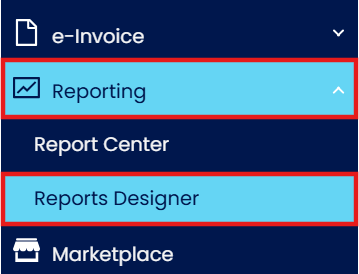
Navigate to Reporting> Report Designer
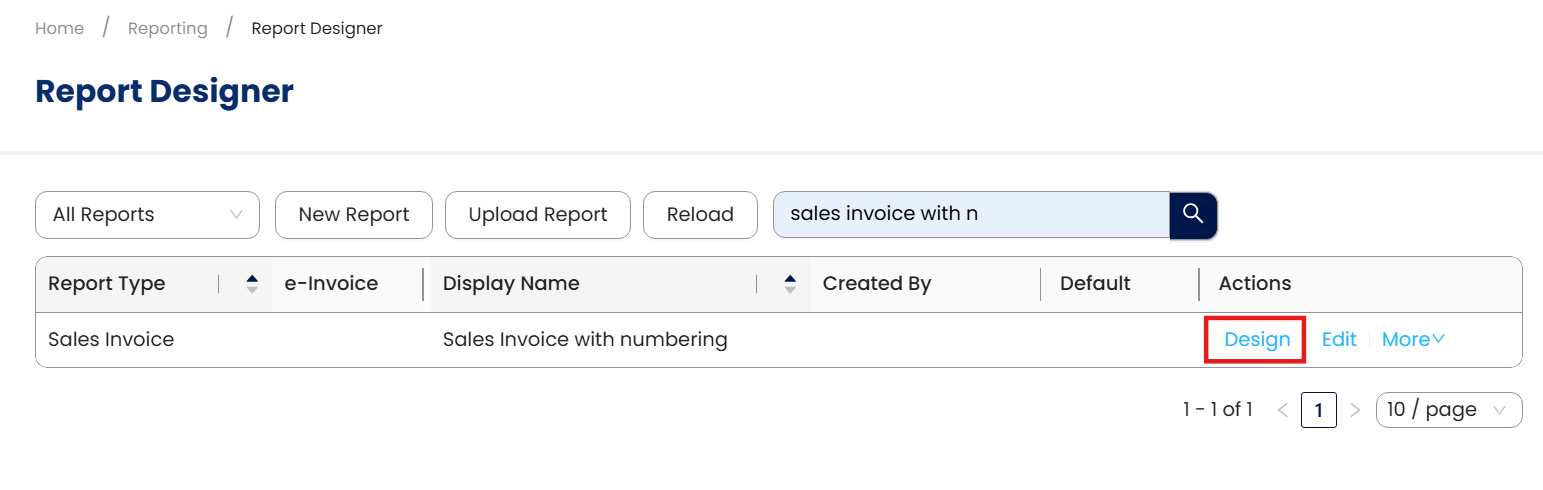
Search for the report format you want to adjust font size then click on Design
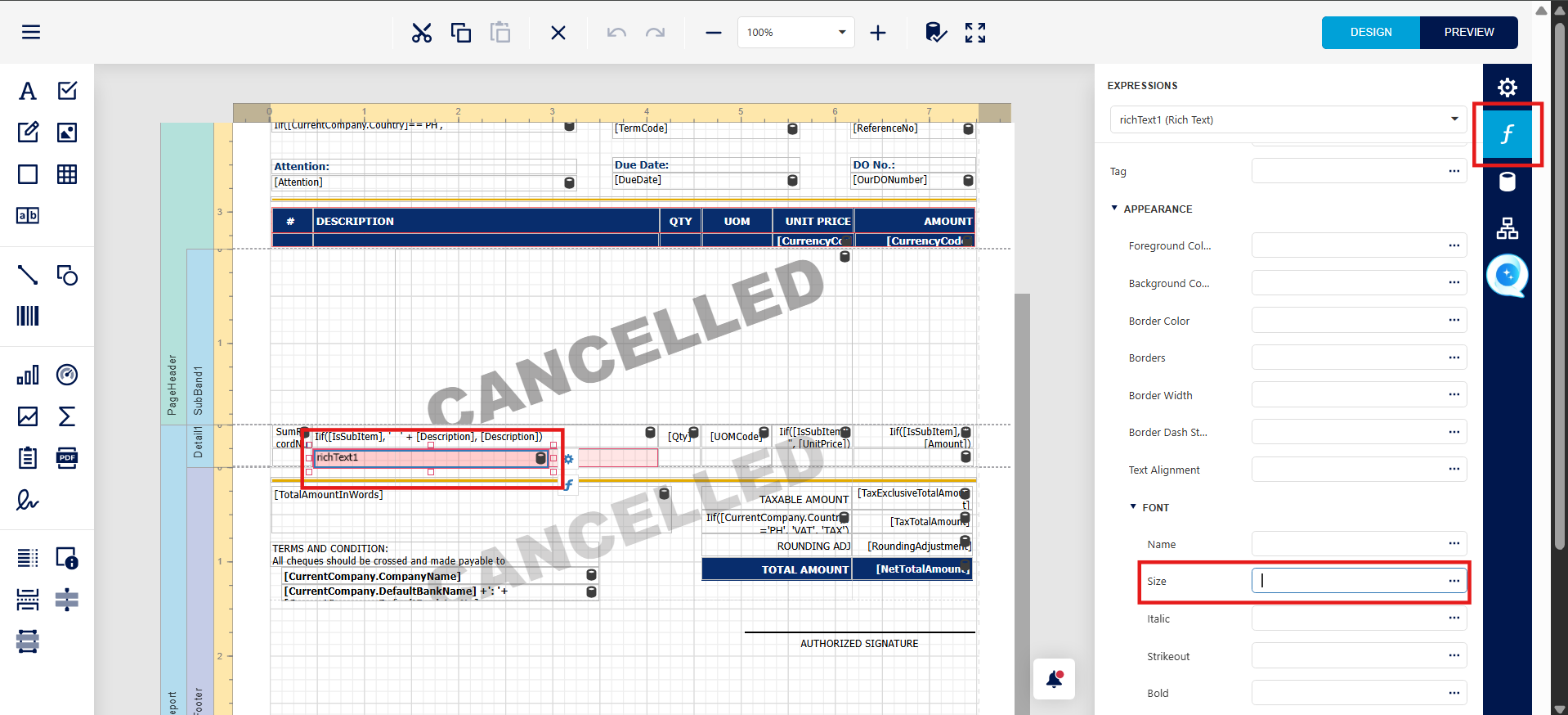
Select the rich text Further Description field
Click on expression and expand Font under Appearance then change the font size then save after adjust. Then you may preview again.
System Scope: QNE AI Cloud Accounting / N3 AI Accounting
Was this article helpful?
That’s Great!
Thank you for your feedback
Sorry! We couldn't be helpful
Thank you for your feedback
Feedback sent
We appreciate your effort and will try to fix the article
