Scenario:
How to register for a Free Account in Cloud Accounting System?
Solution:
This section discusses how to register your account in Cloud Accounting using your basic information, most particularly your valid email address.
Register your account by clicking Sign up in Log in page.
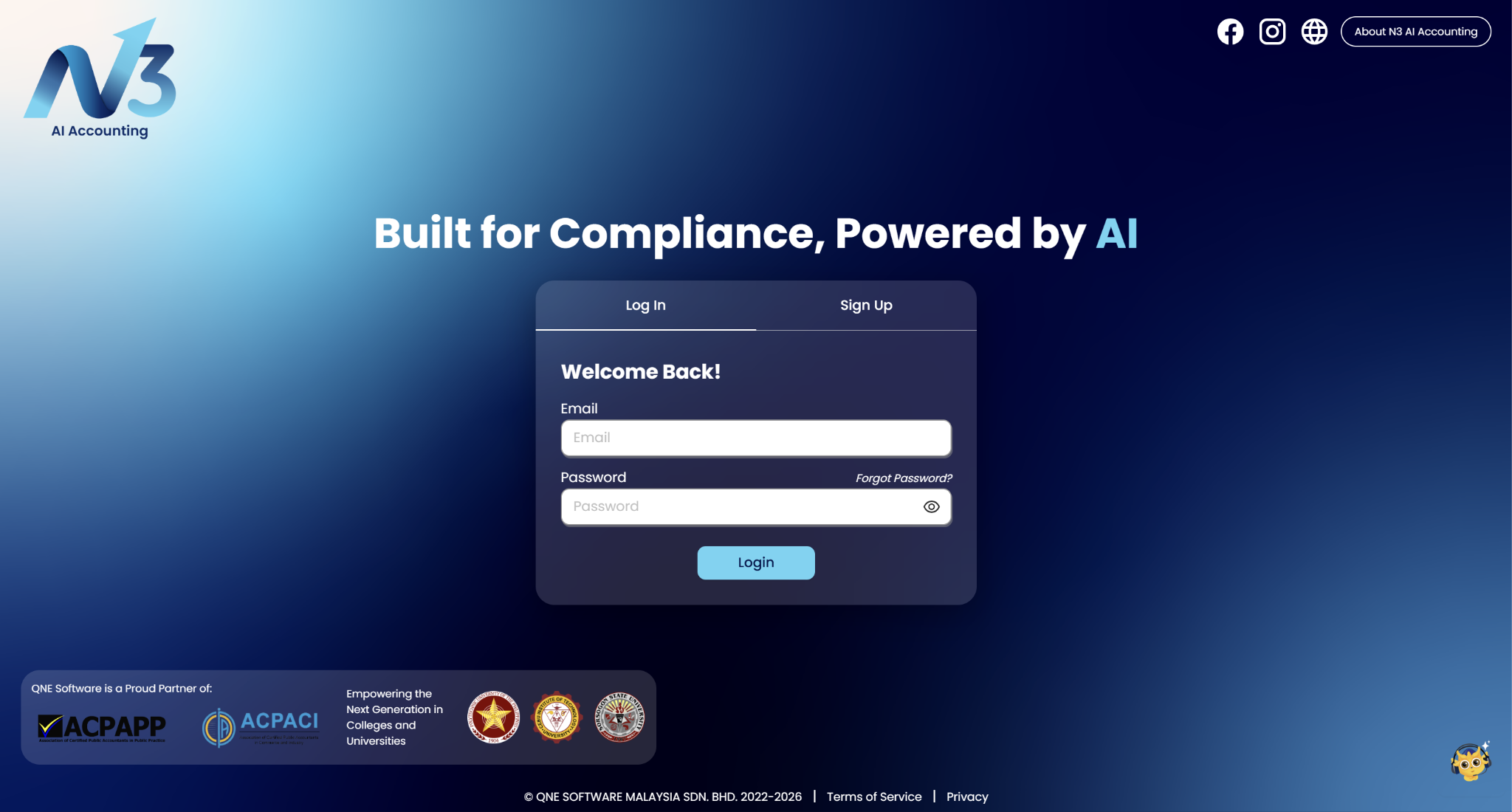
In Sign up page, fill out all of the required fields. The email and password used will be your reference for all your succeeding logins.
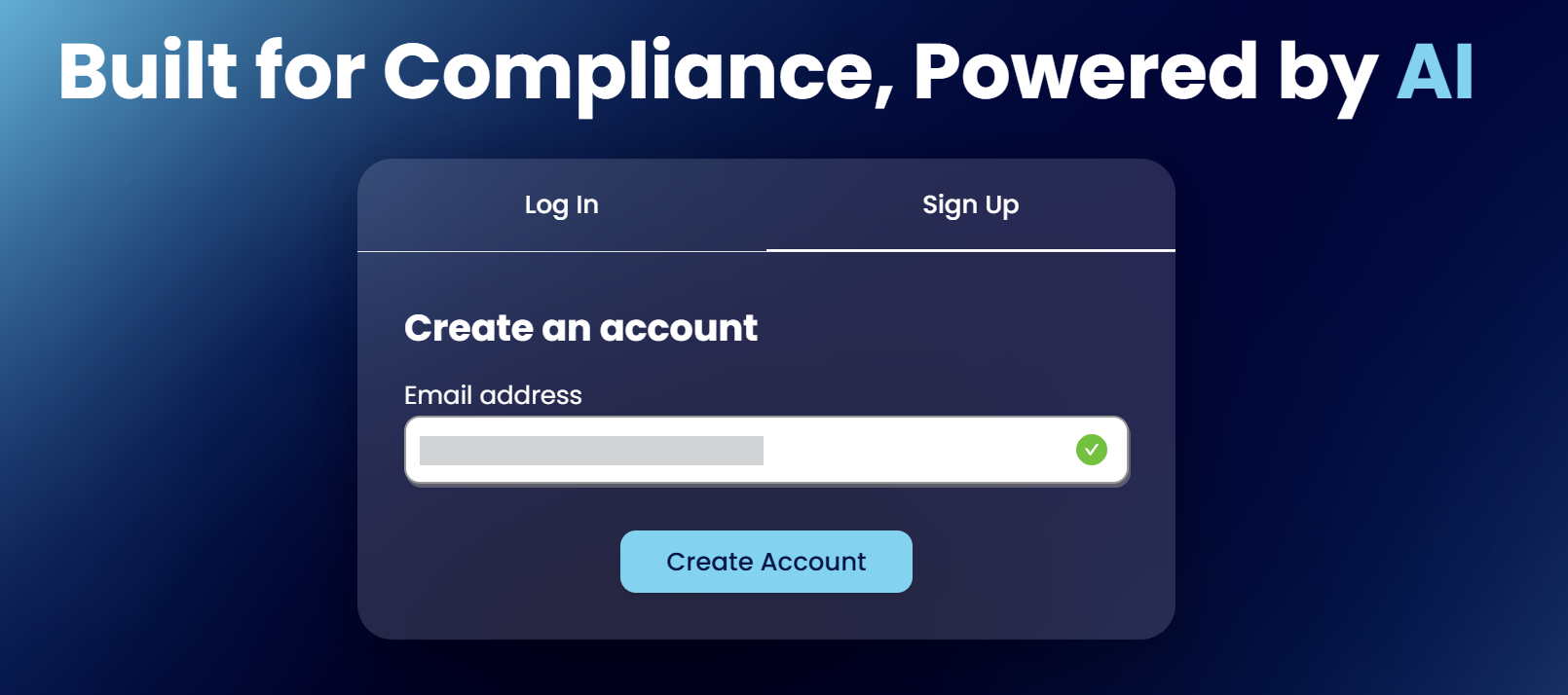
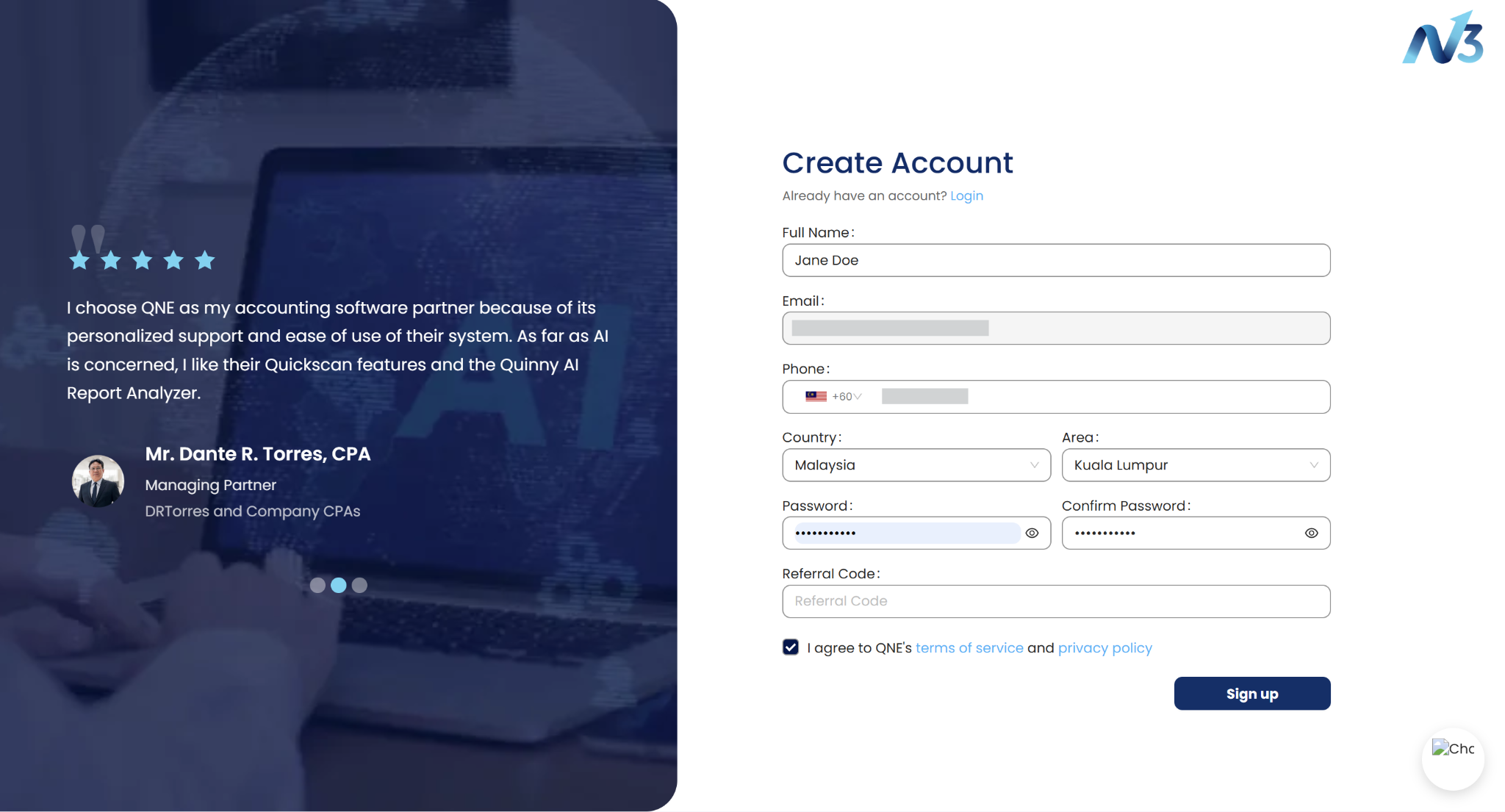
Once the details are filled up, click ‘Create Account’ to complete your account registration.
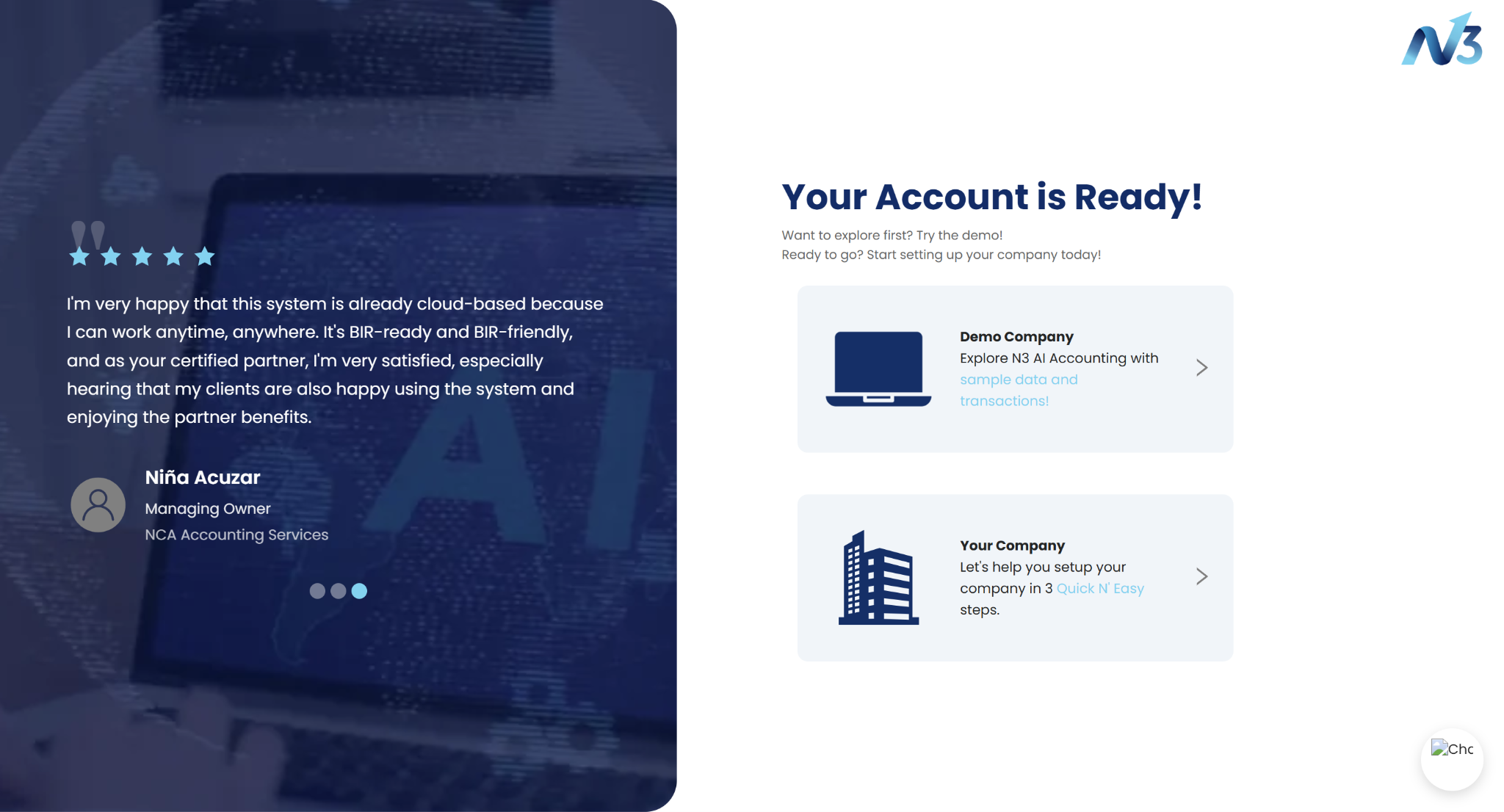
Upon successful account creation, you will be directed to Welcome Page, and head to the On-boarding Process.
NOTES
Click on Sign up in Log in page.
Fill in all of the required fields, including your login email and password.
Click ‘Create Account’ to complete your account registration.
System Scope: QNE AI Cloud Accounting / N3 AI Accounting
Was this article helpful?
That’s Great!
Thank you for your feedback
Sorry! We couldn't be helpful
Thank you for your feedback
Feedback sent
We appreciate your effort and will try to fix the article
